Home
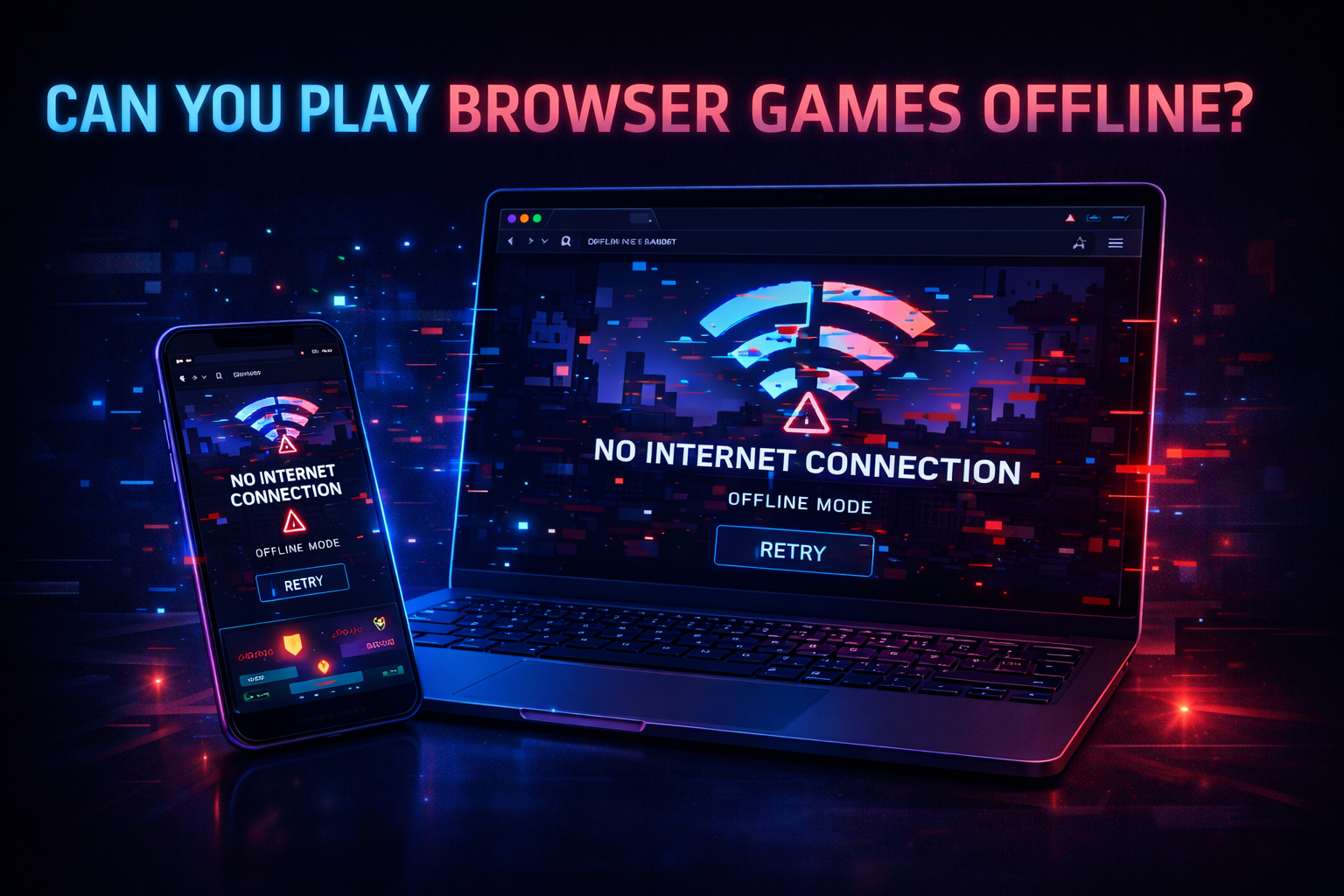
Can You Play Browser Games Offline

{{BLOG_TITLE image}}

You load a game, it runs smooth, you’re in the zone… then your internet drops.
Game freezes. Progress gone. Mood? Ruined.

So here’s the real question:

Can browser games actually work without internet?

Sometimes yes. Most of the time? Not really.


The Short Answer (No BS)

Some browser games can run offline if they cache assets locally, but most require an active internet connection—especially multiplayer or ad-supported games.

It all depends on how the game is built.


Why Browser Games Usually Need Internet

Browser games are designed for speed and accessibility.

Under the hood:

  • Minimal asset loading → pulls files from server on demand
  • Streaming content → loads levels, sounds, updates live
  • WebGL rendering → runs locally, but needs initial data

That instant “click → play” experience?
It relies on a connection.

No internet = no initial load.


When Offline Actually Works

Some games are smarter about it.

💾 Cached Games (Best Case)

If a game:

  • Stores assets in your browser cache
  • Doesn’t rely on servers
  • Has no ads or multiplayer

Then yeah—it might run offline after first load.

These are usually:

  • Puzzle games
  • Simple platformers
  • Idle games

But don’t expect full functionality.


⚠️ Partial Offline Mode

Some games load… but:

  • No sound
  • No saved progress
  • Missing textures

Why? Because certain assets weren’t cached.


Gameplay Feel Without Internet

Let’s say the game actually loads offline.

Controls & Responsiveness

  • Input still feels tight
  • Zero latency (no server involved)
  • Smooth local performance

Honestly? Offline play can feel better.


What Breaks Instantly

  • Leaderboards
  • Multiplayer
  • Cloud saves
  • Daily rewards

Anything server-based = gone.


Mobile vs Desktop Offline Behavior

Desktop (Chrome, Edge)

  • Better caching system
  • Higher chance game runs offline
  • Dev tools allow offline testing

Still not guaranteed—but more reliable.


Mobile (Safari, Chrome)

  • Aggressive memory clearing
  • Cache gets wiped easily
  • Switching apps can reload the game

Offline support on mobile?
Way less consistent.


The Real Limitation: Ads & Scripts

Here’s the deal:

Most browser games depend on:

  • Ad networks
  • Tracking scripts
  • External APIs

Without internet, these fail → game may not even start.

So even if the core game works…
the wrapper breaks it.


Can Developers Make Offline Browser Games?

Yes—and some do.

They use:

  • Service Workers → cache files locally
  • Progressive Web App (PWA) setup
  • Full asset preloading

This turns a browser game into something close to an app.

But not every developer goes that route.


Pros & Cons (Real Talk)

✅ Pros

  • Some games can run offline after loading
  • Zero latency = smoother gameplay
  • No ads (when offline)
  • Great for simple games

❌ Cons

  • Most games won’t load without internet
  • Multiplayer is completely disabled
  • Progress may not save
  • Mobile browsers clear cache often
  • Ads/scripts can break the game

Final Verdict

Browser games are built for convenience—not offline play.

If the game caches properly, you might get lucky.
But in most cases?

No internet = no game.